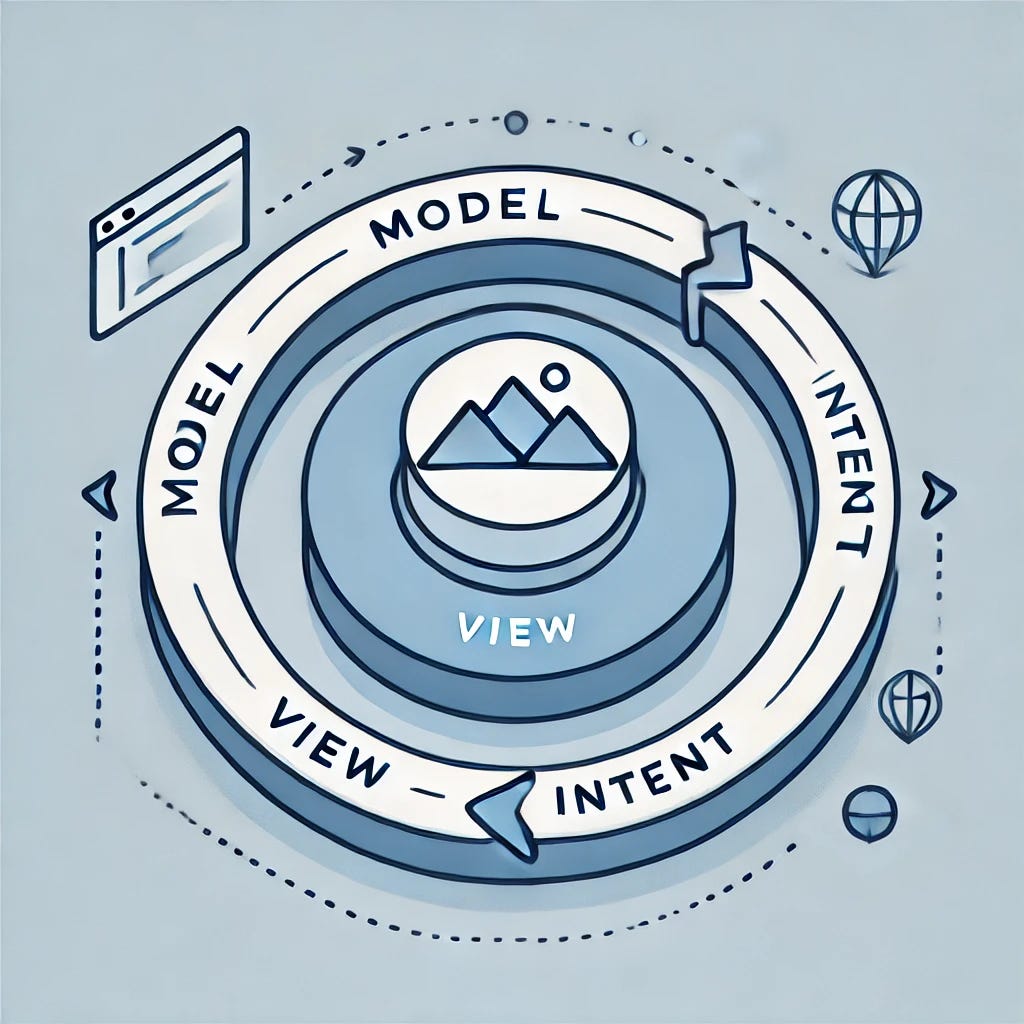
As Jetpack Compose reshapes Android development with a declarative and reactive approach, adopting a suitable architecture can make a difference in creating smooth, responsive, and maintainable UIs. Model-View-Intent (MVI) is emerging as a highly effective pattern in Compose apps, especially in managing complex and dynamic data flows. This article explores why switching from the traditional Model-View-ViewModel (MVVM) to MVI can be a game-changer, along with examples showing MVI’s strengths in real-world scenarios.
Why MVI Over MVVM?
While MVVM has been a popular choice for years, MVI brings distinct advantages, especially for complex applications built with Compose:
- Unidirectional Data Flow: MVI enforces a predictable, single-direction flow, making state management cleaner and more intuitive.
- Reduced Complexity: By centralizing the state, MVI minimizes issues that often arise when juggling multiple data streams or events.
- Efficient UI Interaction Handling: MVI’s intent-driven design makes it easier to handle complex user interactions and asynchronous events without scattered logic.
Real-World Scenarios Where MVI Shines
To see how MVI makes complex apps more manageable, let’s dive into some real-world scenarios where MVI outperforms MVVM:
Example 1: Multi-Step Forms with Dynamic Validation
Multi-step forms are a common but tricky use case, often found in onboarding flows, surveys, and complex data entry screens. These forms introduce challenges like:
- Conditional Steps: Certain steps appear or hide based on user input.
- Real-Time Validation: Each input needs validation before the user can proceed.
- State Persistence Across Steps: Users may go back and forth, requiring saved states for all completed steps.
Managing all these requirements with MVVM can lead to scattered states across multiple LiveData or StateFlow objects, making it hard to ensure consistency and reactivity.
With MVI, we can use a single FormState to centralize form progress, validation states, and errors, streamlining the state management for a predictable UI flow.
Code Example
// FormContract.kt
data class FormState(
    val currentStep: Int = 0,
    val steps: List<FormStep> = emptyList(),
    val validationErrors: Map<Int, String> = emptyMap(),
    val isComplete: Boolean = false
)

sealed class FormIntent {
    data class MoveToNextStep(val stepData: FormStepData) : FormIntent()
    data class MoveToPreviousStep : FormIntent()
    data class ValidateCurrentStep(val stepIndex: Int) : FormIntent()
    object CompleteForm : FormIntent()
}

// FormViewModel.kt
class FormViewModel(private val repository: FormRepository) : ViewModel() {
    private val _uiState = MutableStateFlow(FormState())
    val uiState: StateFlow<FormState> = _uiState

    fun handleIntent(intent: FormIntent) {
        when (intent) {
            is FormIntent.MoveToNextStep -> updateFormState(intent.stepData)
            is FormIntent.MoveToPreviousStep -> moveToPreviousStep()
            is FormIntent.ValidateCurrentStep -> validateStep(intent.stepIndex)
            is FormIntent.CompleteForm -> submitForm()
        }
    }

    private fun updateFormState(stepData: FormStepData) {
        // Update state with new step data and move to next step
    }

    private fun validateStep(stepIndex: Int) {
        // Perform validation for the specified step and update errors
    }

    private fun moveToPreviousStep() {
        // Update state to go back to the previous step
    }

    private fun submitForm() {
        // Final form submission logic
    }
}
Why MVI Wins for Multi-Step Forms
- Centralized State: Each form step, along with its data and validation, is tracked in
FormState. - Predictable Flow: Each user action (e.g., moving forward or back) is handled as an intent, ensuring clear state transitions.
- Easier Debugging: Validation logic and state updates are managed in one place, making bugs easier to trace.
Example 2: Real-Time Data Streams (e.g., Cryptocurrency Price Tracker)
Applications that handle live data streams, such as cryptocurrency price trackers, sports scores, or stock market updates, are demanding to manage with MVVM due to issues like:
- Race Conditions: Multiple streams can cause conflicting state updates.
- Complex UI Updates: Ensuring the UI remains consistent and updated with the latest data across all observed values can be a challenge.
- High Volume of Updates: Live updates can cause data inconsistencies if states aren’t efficiently managed.
MVI simplifies these challenges by treating each new data point as a distinct intent that updates a single CryptoState. This way, the UI observes and renders only one source of truth.
Code Example
// CryptoContract.kt
data class CryptoState(
    val currentPrices: Map<String, Double> = emptyMap(),
    val isLoading: Boolean = false,
    val errorMessage: String? = null
)

sealed class CryptoIntent {
    object LoadPrices : CryptoIntent()
    data class UpdatePrice(val symbol: String, val price: Double) : CryptoIntent()
}

// CryptoViewModel.kt
class CryptoViewModel(private val repository: CryptoRepository) : ViewModel() {
    private val _uiState = MutableStateFlow(CryptoState())
    val uiState: StateFlow<CryptoState> = _uiState

    init {
        handleIntent(CryptoIntent.LoadPrices)
    }

    fun handleIntent(intent: CryptoIntent) {
        when (intent) {
            is CryptoIntent.LoadPrices -> fetchPrices()
            is CryptoIntent.UpdatePrice -> updatePrice(intent.symbol, intent.price)
        }
    }

    private fun fetchPrices() {
        viewModelScope.launch {
            _uiState.value = _uiState.value.copy(isLoading = true)
            try {
                val prices = repository.getPrices()
                _uiState.value = _uiState.copy(
                    currentPrices = prices,
                    isLoading = false
                )
            } catch (e: Exception) {
                _uiState.value = _uiState.value.copy(
                    isLoading = false,
                    errorMessage = "Failed to load prices"
                )
            }
        }
    }

    private fun updatePrice(symbol: String, price: Double) {
        _uiState.value = _uiState.value.copy(
            currentPrices = _uiState.value.currentPrices.toMutableMap().apply {
                put(symbol, price)
            }
        )
    }
}
Why MVI Excels for Real-Time Data
- Single Source of Truth: All prices are managed within a single
CryptoState, avoiding data inconsistencies. - Smooth Updates: The UI listens to one state object, eliminating redundant updates and reducing data lag.
- Clear Event-Driven Data Flow: Each incoming data update is processed through a structured intent, ensuring a controlled data flow.
Example 3: User-Driven Filtering and Sorting (e.g., E-commerce Filtering)
E-commerce applications often feature dynamic filtering and sorting, which brings challenges like:
- Complex User Interactions: Each filter or sort action triggers a new query and UI refresh.
- Consistency Between Filters and Results: Keeping the applied filters, sorting, and displayed results in sync is crucial.
- High-Performance Demand: Frequent filtering and sorting actions can overload the app if not managed efficiently.
MVI helps by consolidating filters, sorting, and results within a single state object, with each change processed as an intent, ensuring a consistent and performant experience.
Code Example
data class ProductState(
    val products: List<Product> = emptyList(),
    val filters: ProductFilters = ProductFilters(),
    val sortOrder: SortOrder = SortOrder.PRICE_ASC,
    val isLoading: Boolean = false
)

sealed class ProductIntent {
    data class ApplyFilters(val filters: ProductFilters) : ProductIntent()
    data class SortProducts(val order: SortOrder) : ProductIntent()
    object LoadProducts : ProductIntent()
}

// ProductViewModel.kt
class ProductViewModel : ViewModel() {
    private val _uiState = MutableStateFlow(ProductState())
    val uiState: StateFlow<ProductState> = _uiState

    fun onIntent(intent: ProductIntent) {
        when (intent) {
            is ProductIntent.ApplyFilters -> applyFilters(intent.filters)
            is ProductIntent.SortProducts -> sortProducts(intent.order)
            is ProductIntent.LoadProducts -> loadProducts()
        }
    }

    private fun applyFilters(filters: ProductFilters) { /*...*/ }
    private fun sortProducts(order: SortOrder) { /*...*/ }
    private fun loadProducts() { /*...*/ }
}
Why MVI Is Perfect for Filtering and Sorting
- Unified State Management: Filters, sort orders, and products are tracked together in
ProductState, ensuring they remain consistent. - Efficient UI Refreshes: Only one state is observed, reducing unnecessary UI refreshes.
- Easily Extendable: Adding new filters or sort options is straightforward, with each new interaction represented by a unique intent.
Conclusion
Switching to MVI with Jetpack Compose brings significant benefits across a wide range of app types and complexities. With MVI’s unidirectional data flow, centralized state, and intent-driven UI updates, this pattern offers a cleaner, more predictable approach to state management that can transform Compose projects of all shapes and sizes. Whether you’re building highly interactive apps, handling asynchronous data, managing complex user inputs, or just looking for a more organized architecture, MVI empowers developers with clear, traceable, and testable state transitions. Beyond specific use cases, MVI fosters a more consistent development experience, making code easier to manage, debug, and scale — an ideal foundation for crafting responsive, reliable, and delightful apps.